Upgrade – Veeam Backup & Replication V10 to V11

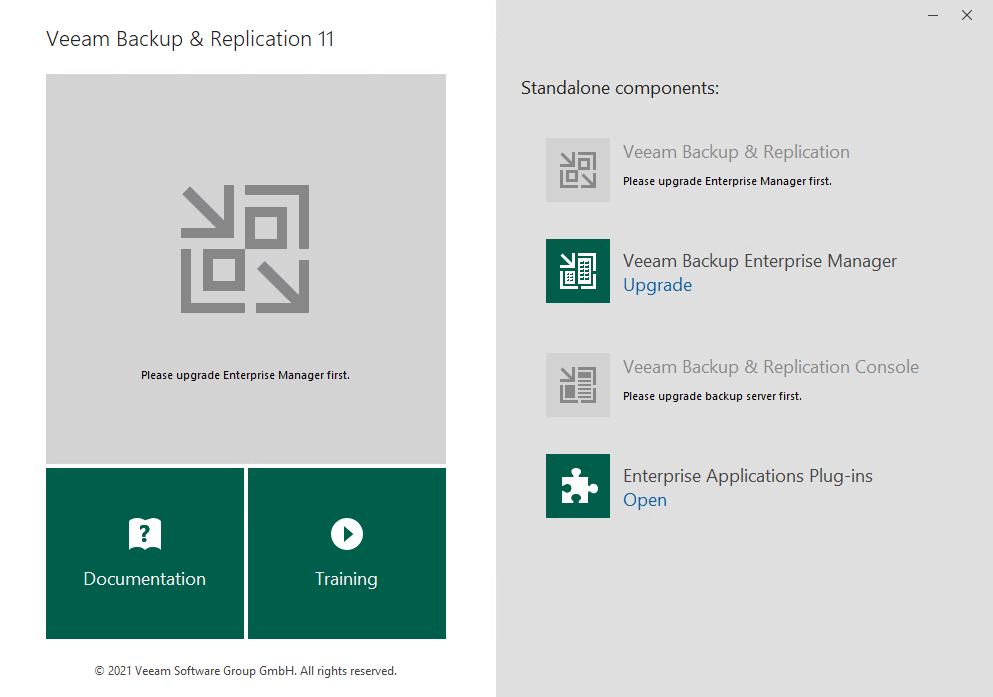
Download the latest version of the Veeam Backup & Replication ISO. Disable all Jobs and run the Setup.exe. Choose Upgrade Backup Enterprise Manager.

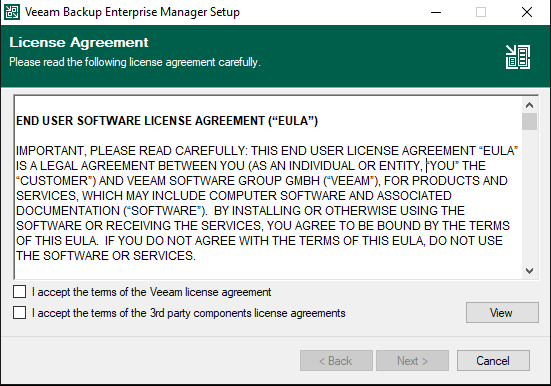
Read and accept Lincense Agreement.

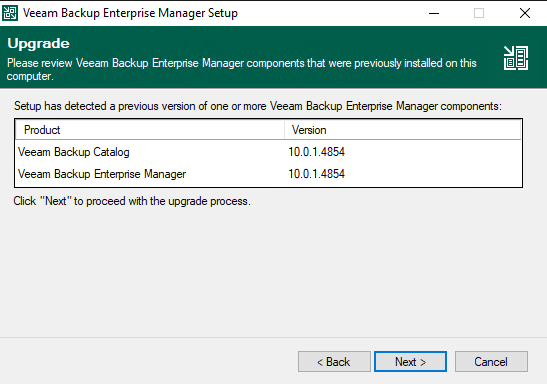
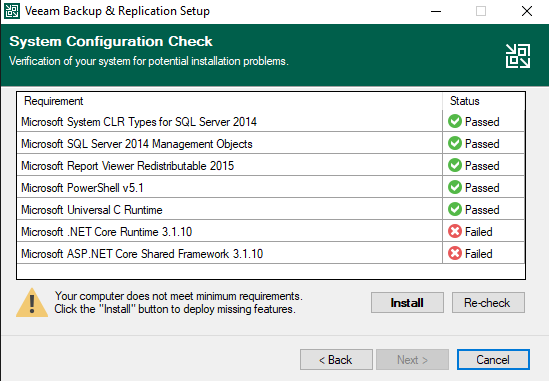
Accept system components to install.

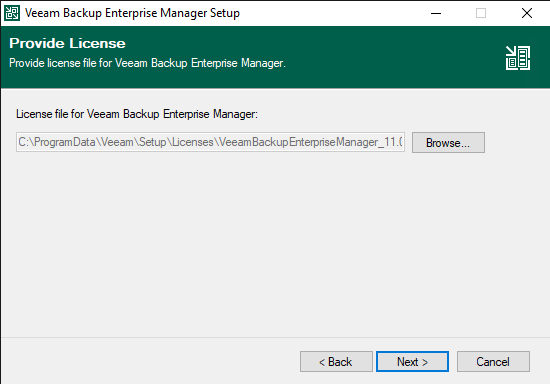
Make sure you have a valid license.

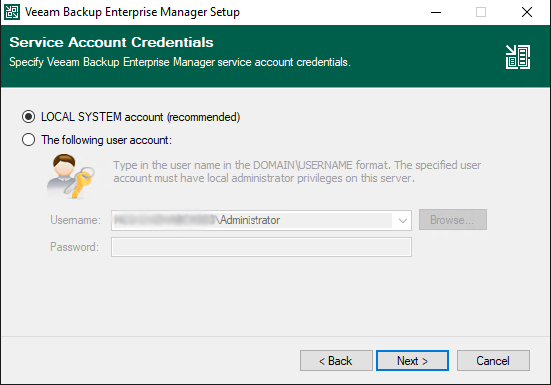
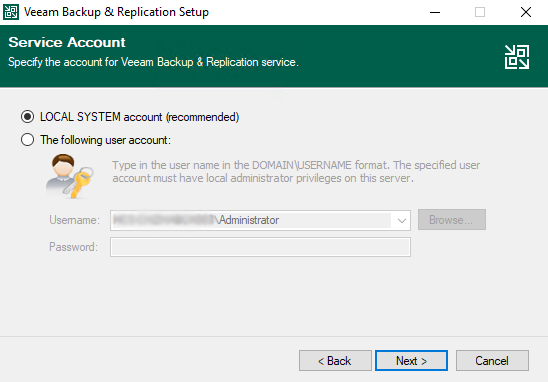
Choose service account credentials.

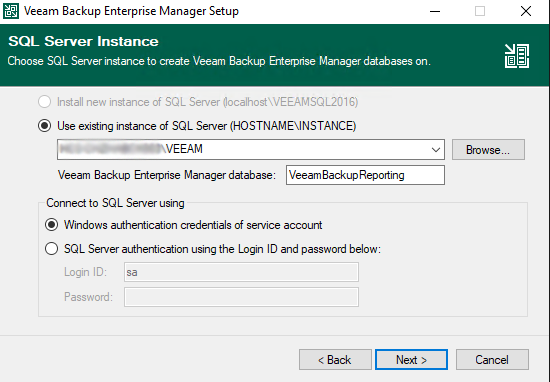
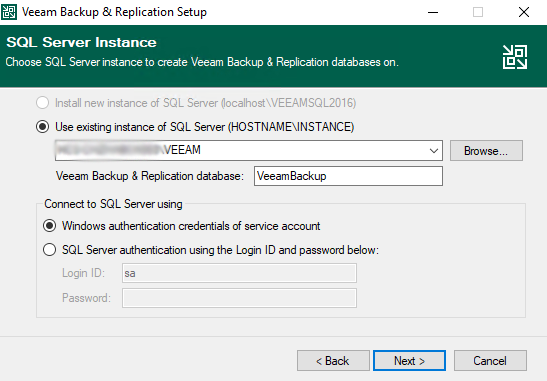
Specify the SQL Server instance.

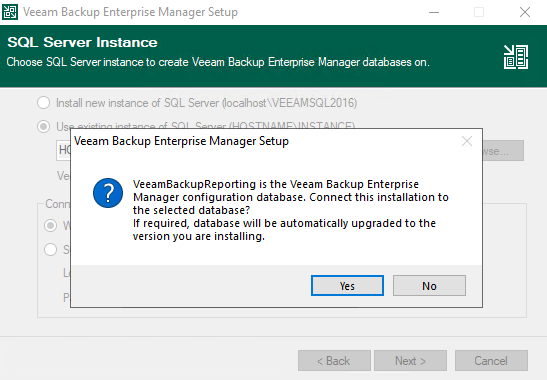
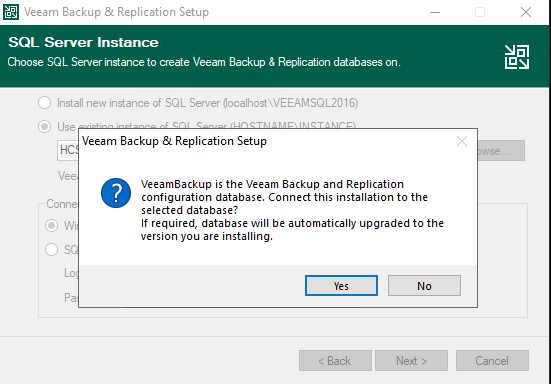
Let Veeam Upgrade you database.

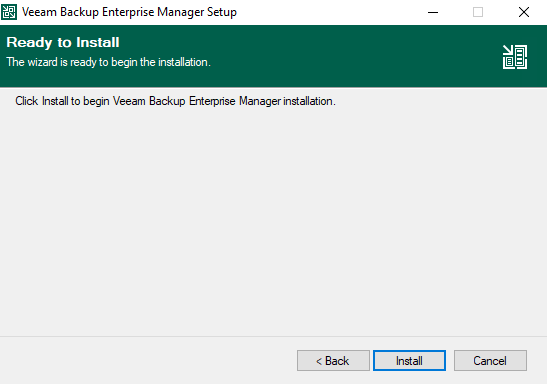
Click Install.

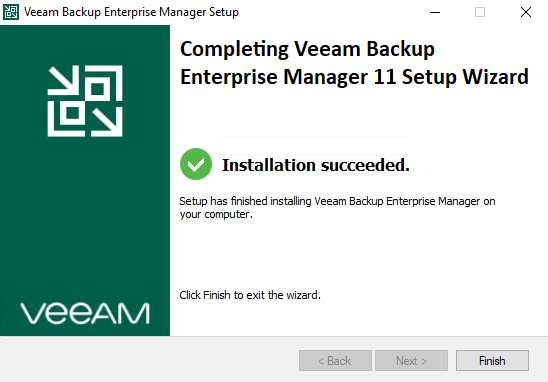
Finisch & Restart Server.

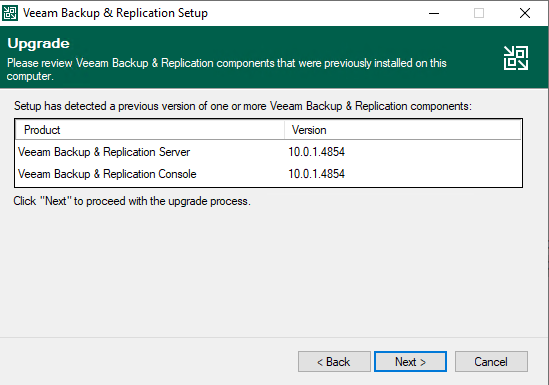
Run Setup.exe and Upgrade Backup & Replciation.
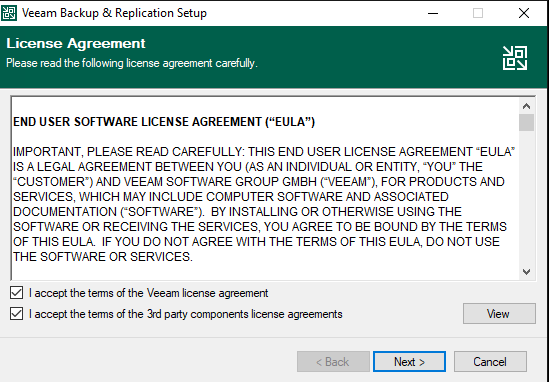
Read and accept License Agreement.

Accept system components to install.

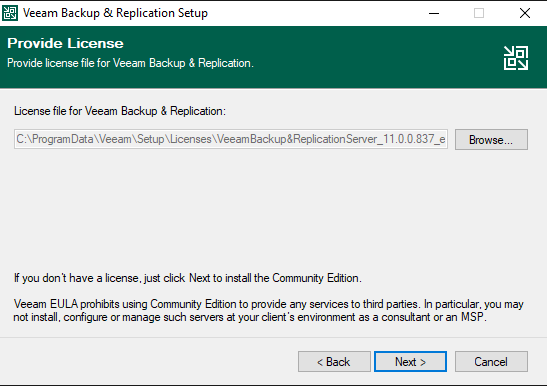
Make sure you have a valid license.

If some features are missing, install them.

Choose service account credentials.

Specify the SQL Server instance.

Let Veeam Upgrade you database.

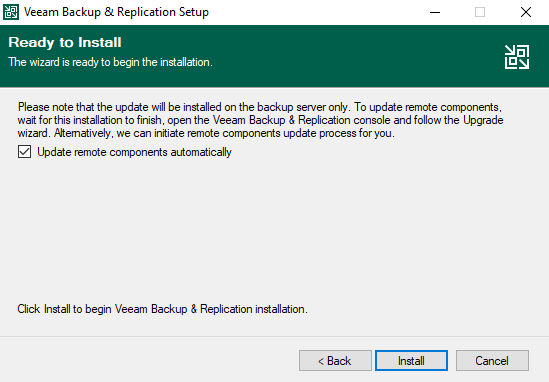
Select the Update remote components automatically check box to automatically upgrade Veeam Backup & Replication components on all servers added to the backup infrastructure.

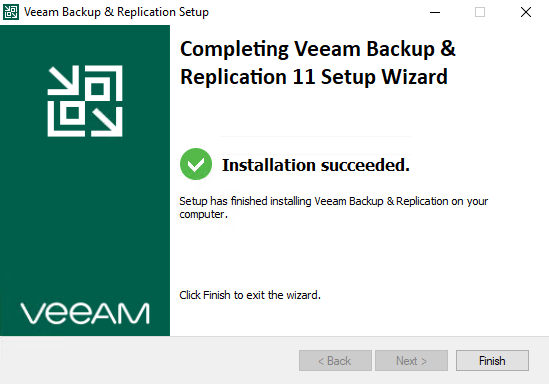
Finisch & Restart Server.

Open Veeam Backup & Replication Console. Enable all Jobs.

Run a test backup job to make sure, the new Version works fine.

Add a Comment

Deine E-Mail-Adresse wird nicht veröffentlicht. Erforderliche Felder sind mit * markiert